New here? Try the full experience with no real booking
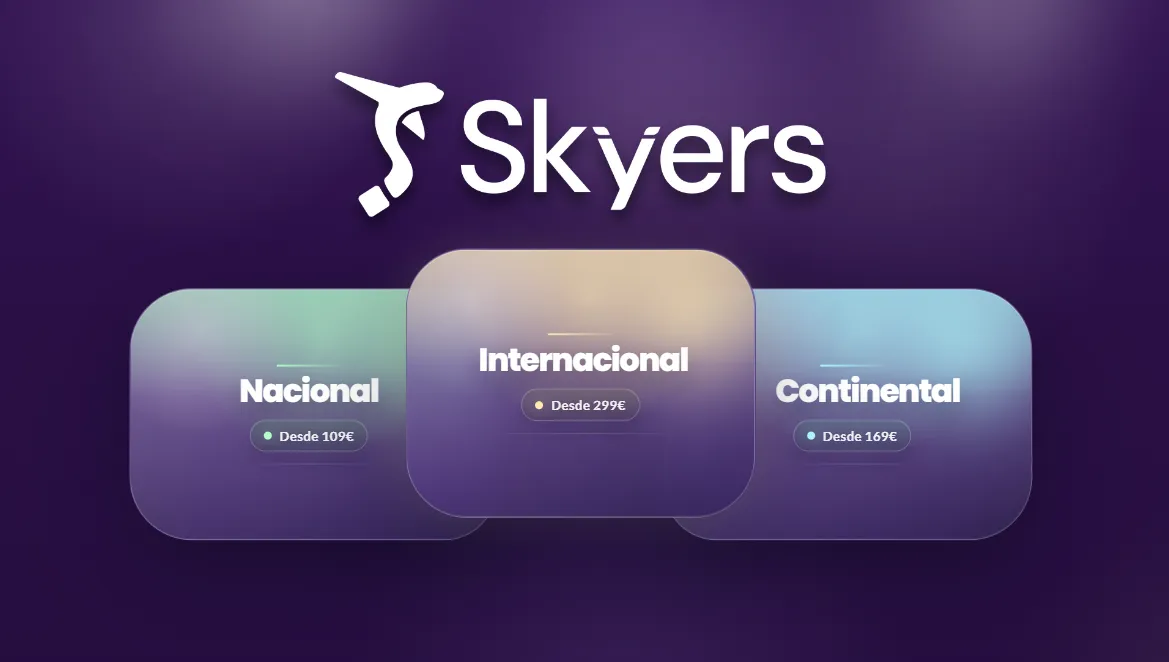
Step 1: Choose Trip Type
Select whether your trip will be National, Continental, or International to start your flight search.
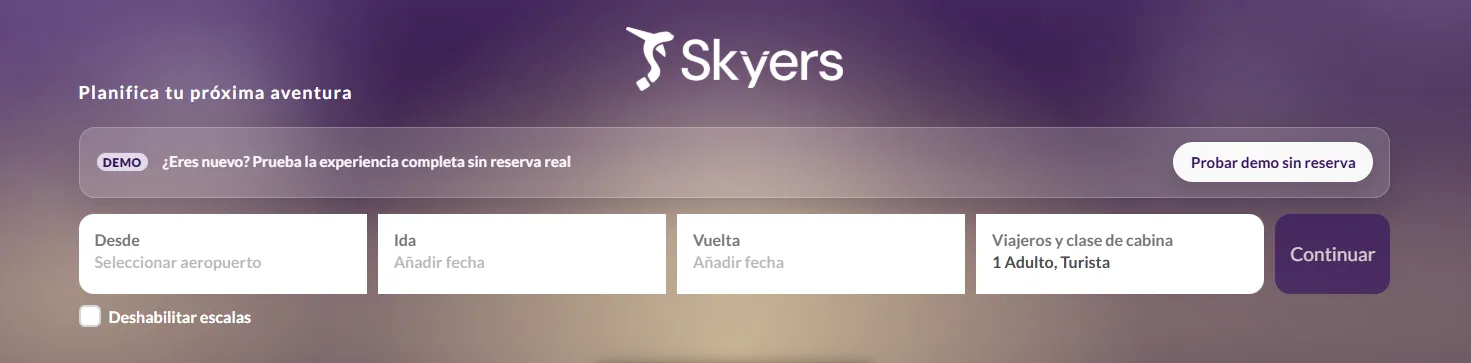
Step 2: Log In and Flight Details
Access your account to begin the search. Then enter your essential trip information: select the origin airport and specify the departure and return dates for your flight.
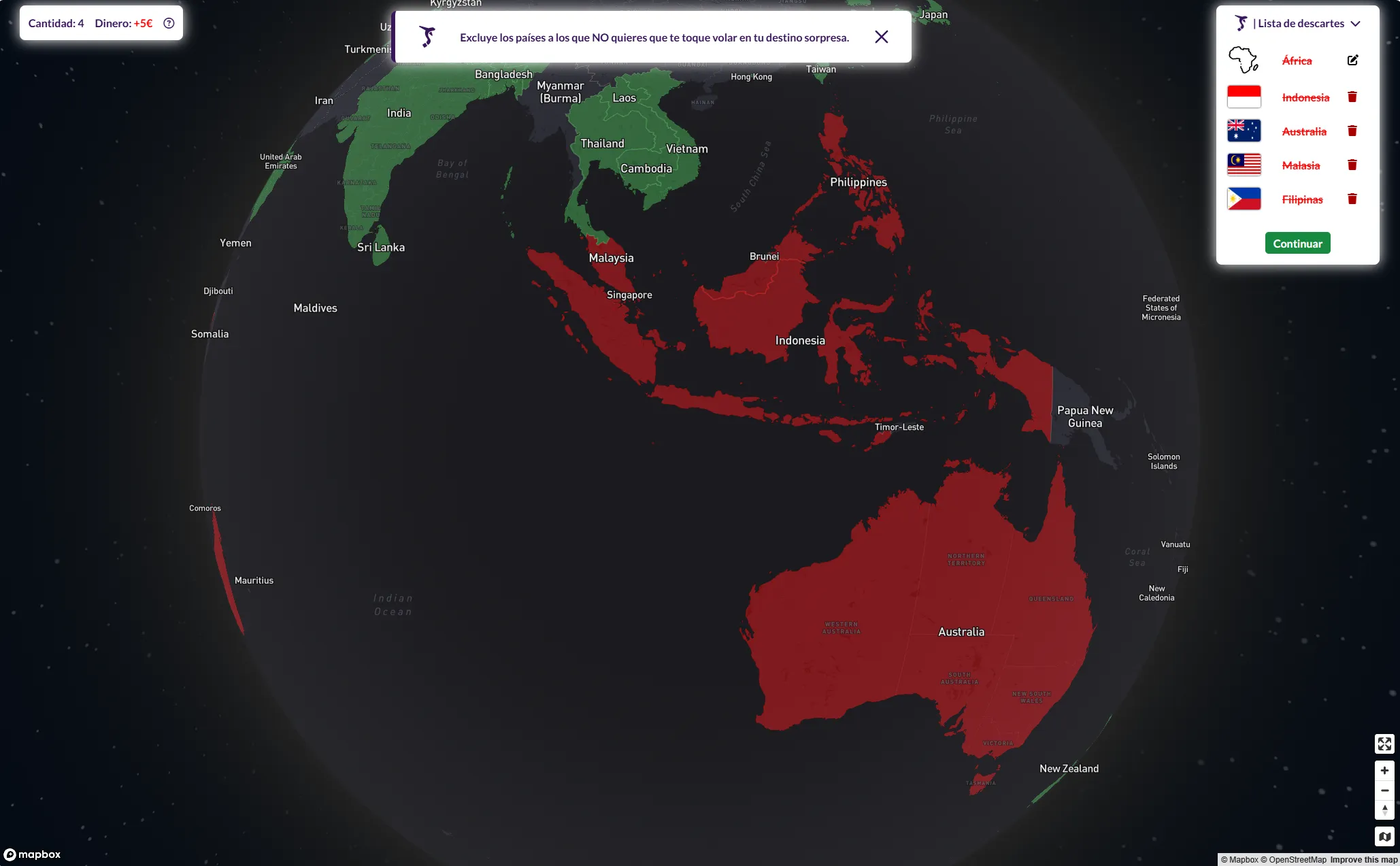
Step 3: Exclude Countries
If you chose a Continental or International trip, you can exclude countries you don't want to include in your surprise flight search. Additionally, for International trips, you can exclude one continent for free.
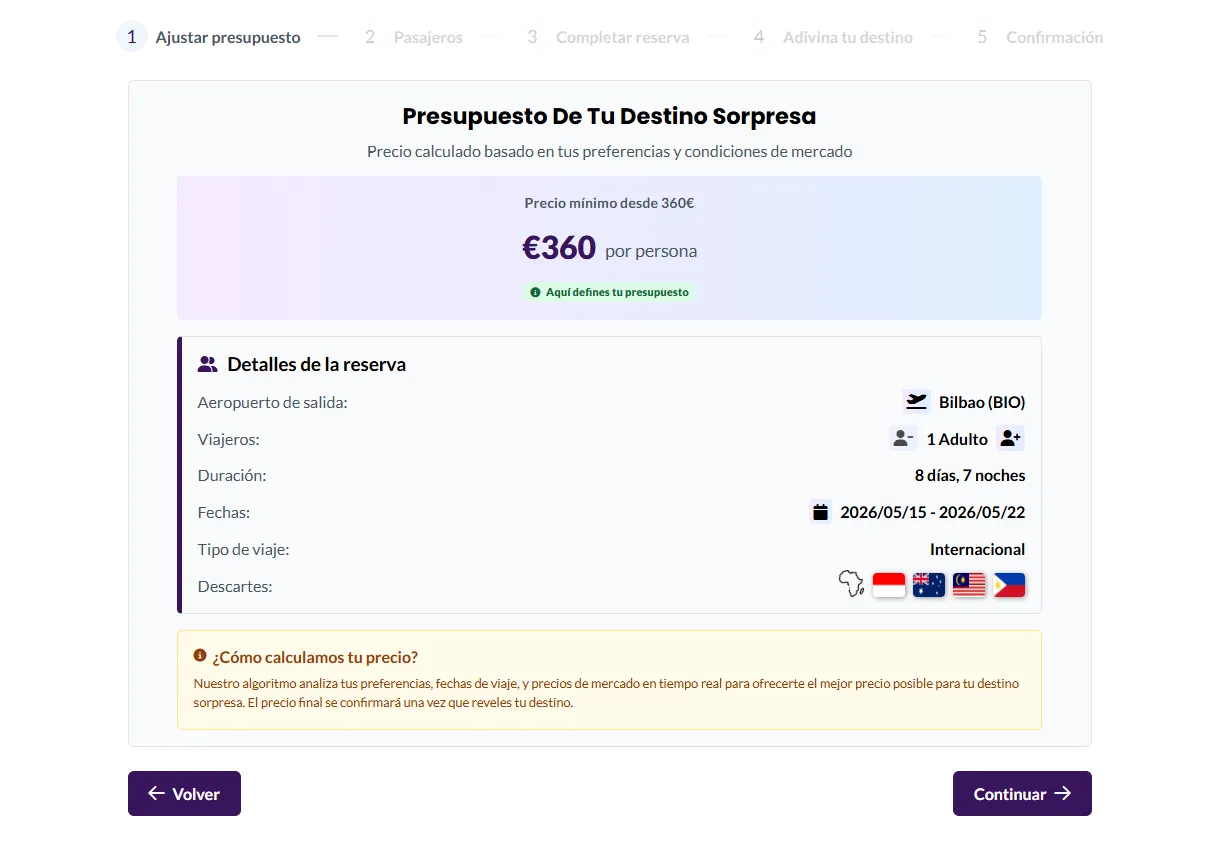
Step 4: Adjust Your Budget
Our system will calculate the minimum budget required based on current market prices to book your surprise experience. Once that minimum price is displayed, you can increase your budget as much as you like. When you're happy with your budget, review your booking details, make any necessary adjustments, and proceed to enter the information for each passenger.
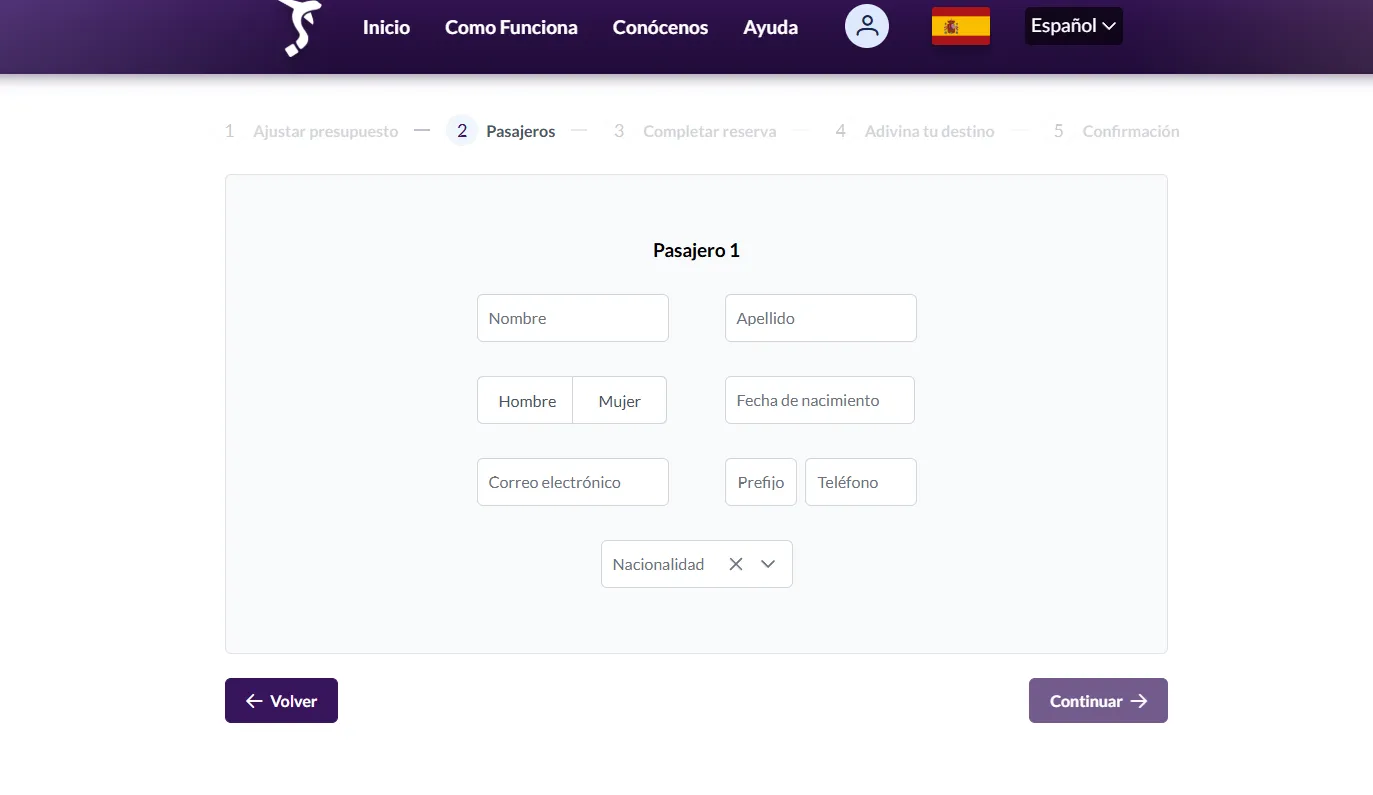
Step 5: Passenger Information
Enter the details for each traveling passenger: first and last name, gender, date of birth, email, phone number, and nationality.
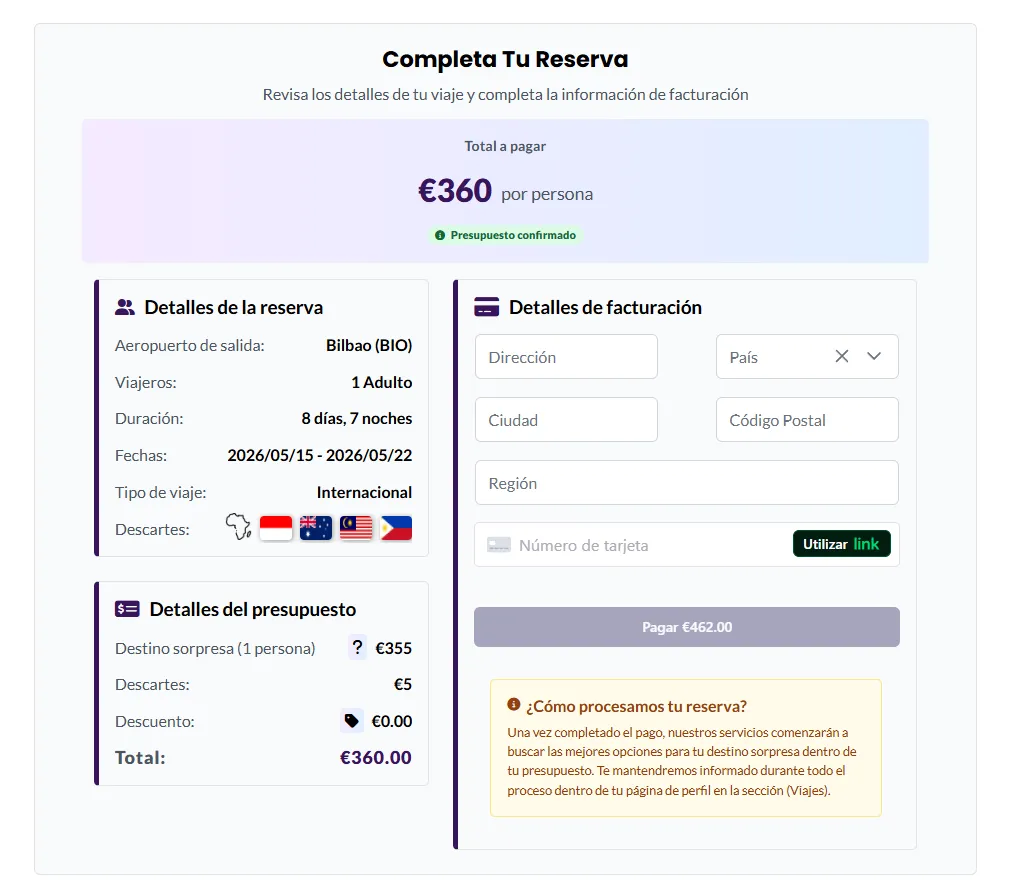
Step 6: Payment and Confirmation
Enter your payment card details and confirm the purchase of your surprise trip.
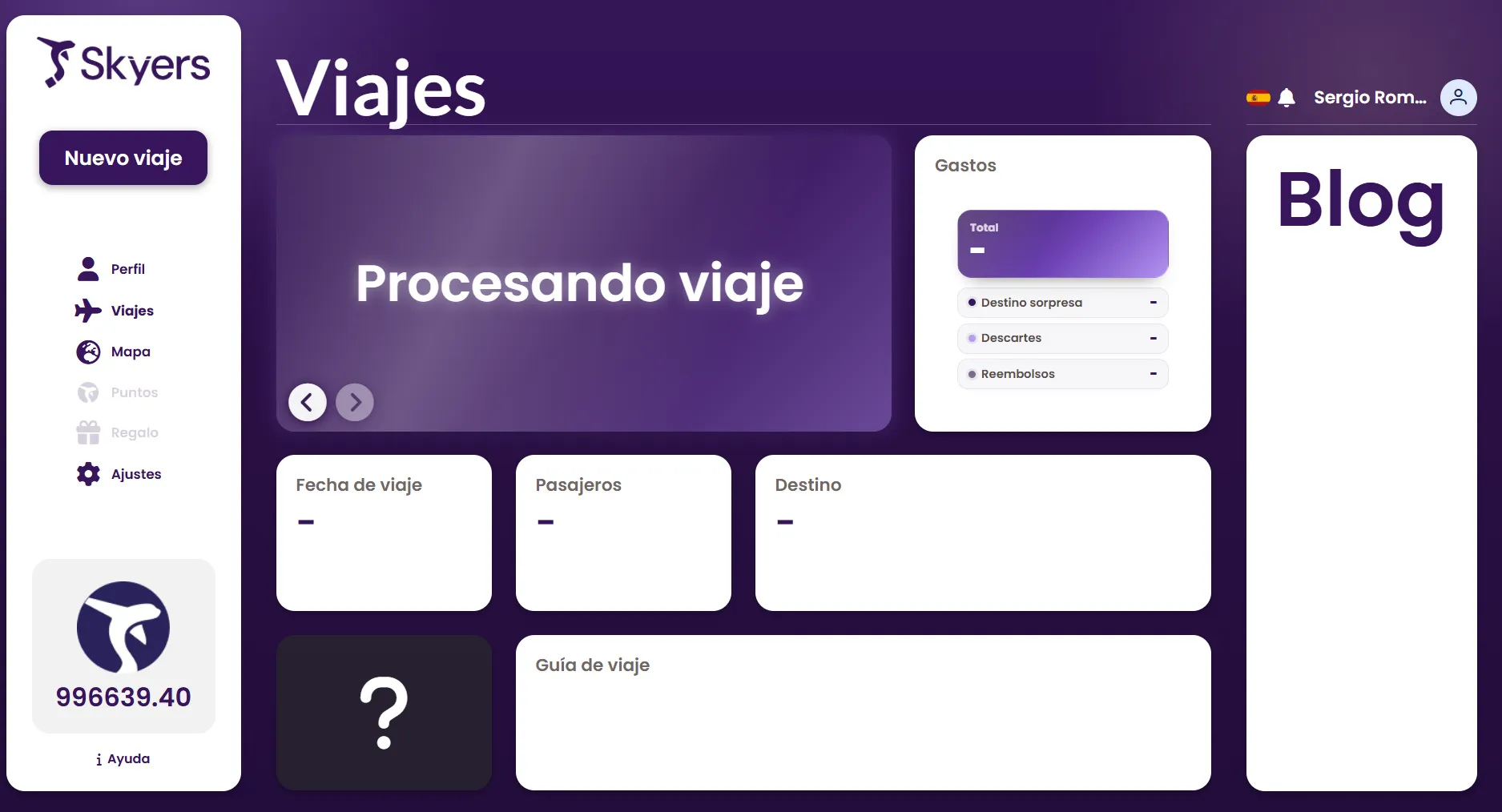
Step 7: Trip Tracking
Access the 'My Trips' section to view the processing status of your newly purchased surprise trip.
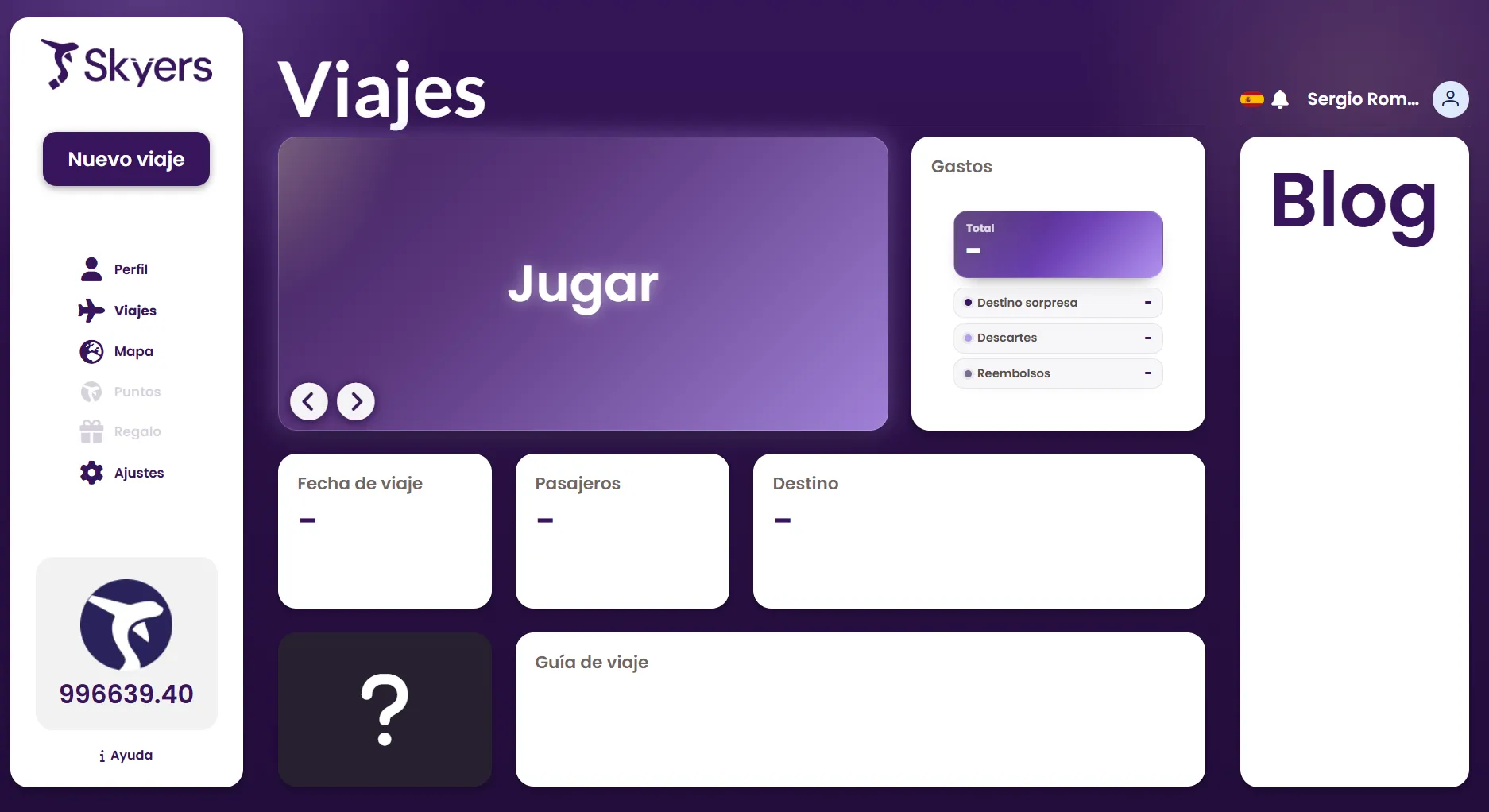
Step 8: Guessing Game
Once your trip is processed, click the 'Play' button to try to guess your surprise destination by exploring the city through Street View.
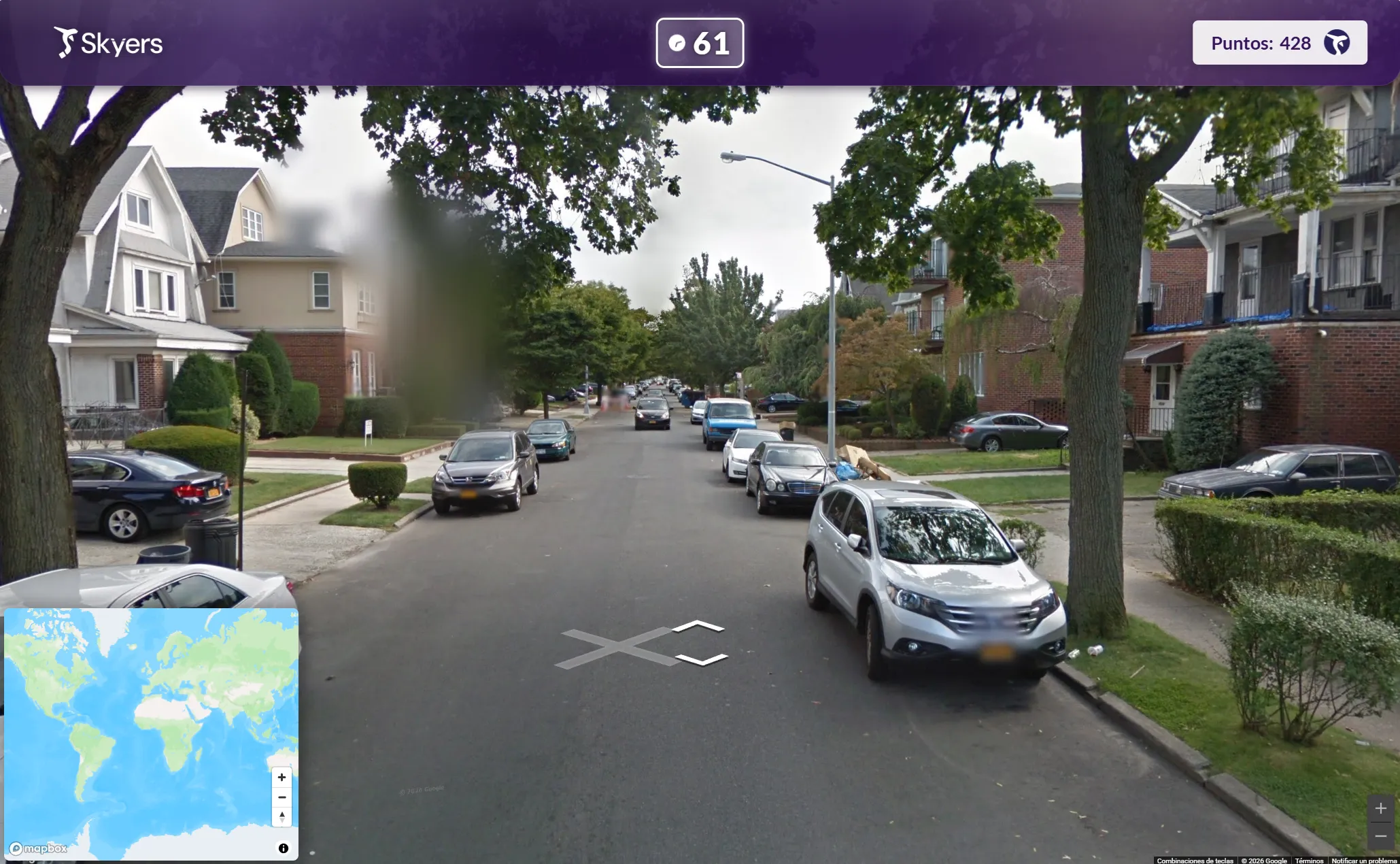
Step 9: Guess Your Destination
Explore the environment through Street View and try to identify your destination by marking the exact point on the map before time runs out. The more accurate your answer, the more points you'll earn to redeem on future trips.
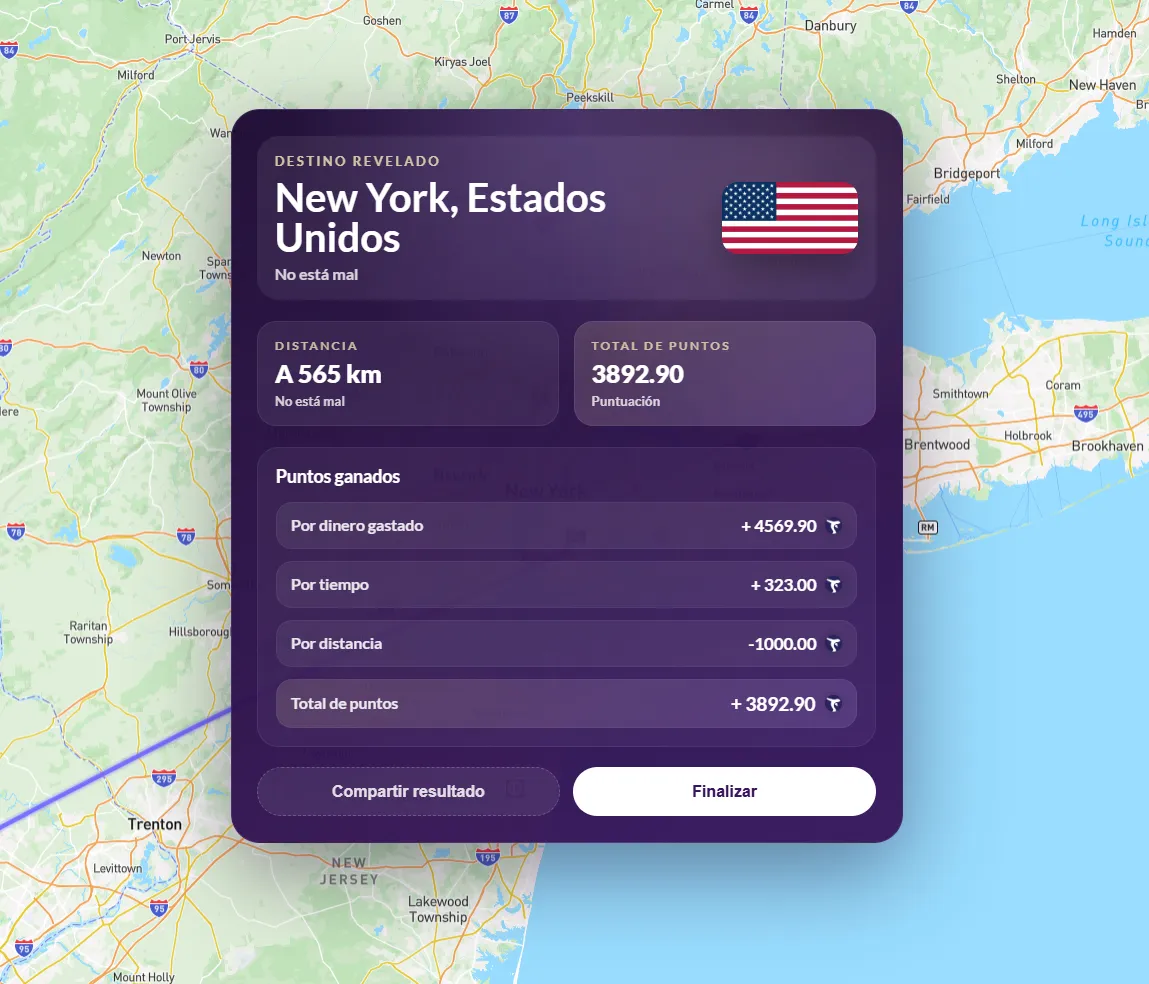
Step 10: Destination Reveal
When the game ends, a panel will display revealing your surprise destination, where you can see exactly where you'll be heading on your next adventure.
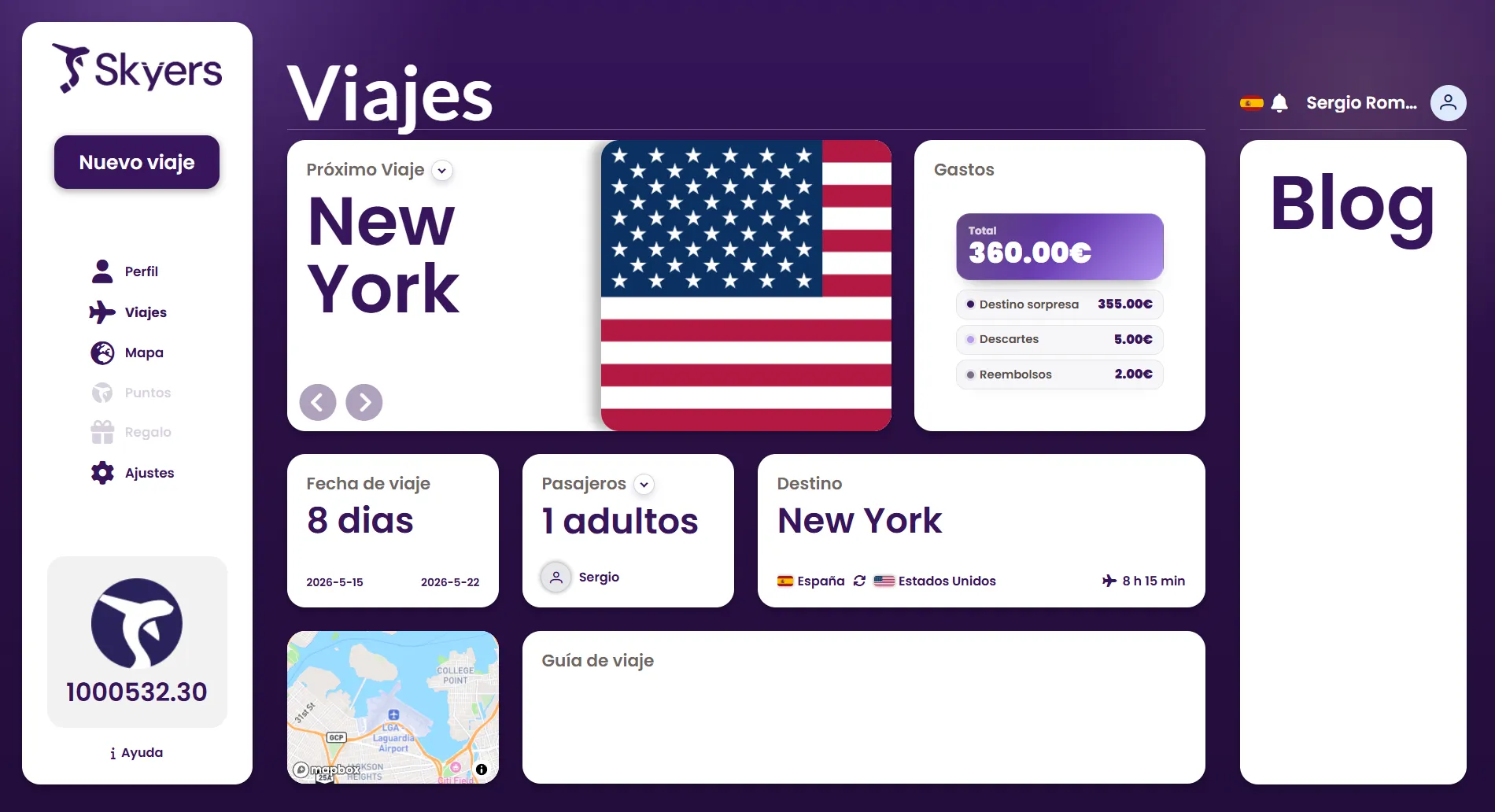
Step 11: Trip Details
Return to the 'My Trips' section where you'll find all the detailed information about your destination, including flight data and other important details about your surprise trip.